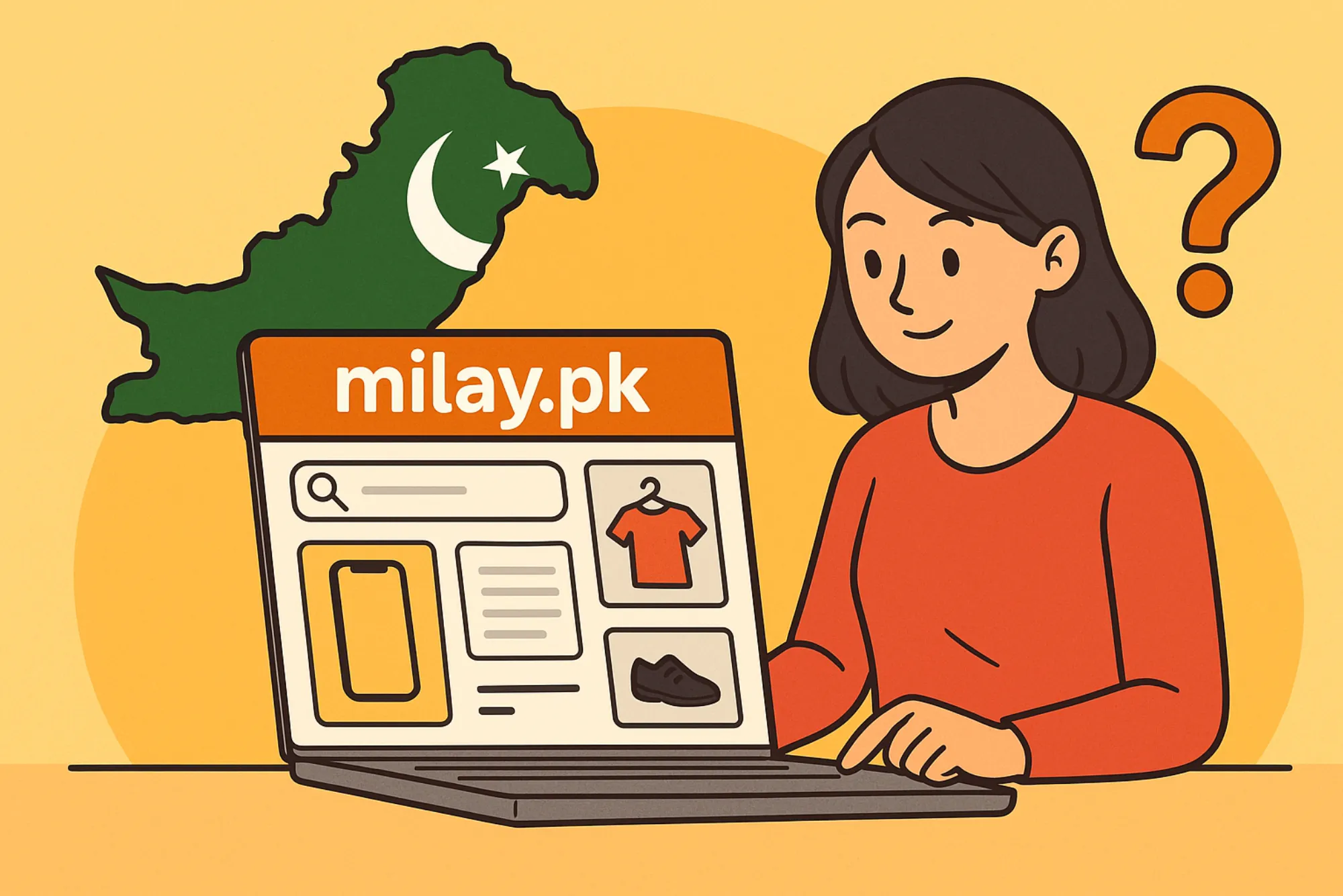
For anyone actively using Milay.pk, forgetting a password can be frustrating. Whether you’re shopping, selling, or simply browsing through Milay Pakistan’s growing marketplace, being locked out of your account disrupts the whole experience. The good news is that recovering your password isn’t complicated once you understand the process. In this guide, I’ll walk you through the exact steps to reset your Milay.pk password, explain why login problems sometimes happen, and share tips to secure your account so you won’t have to deal with this hassle again.
Why Password Recovery Matters on Milay.pk
Milay.pk has quickly become a popular platform in Pakistan for people who want an alternative to traditional e-commerce websites. Unlike large, international platforms, Milay Pakistan focuses more on connecting local buyers and sellers, which makes it especially valuable for small businesses and individuals who want direct access to a trusted community. Because so much of your activity on the platform involves personal information—like contact details, addresses, and even transaction records—your password is essentially the key to your digital identity here.
If you lose access to your Milay.pk account, you risk not only missing out on opportunities to buy and sell but also putting your stored information at risk if you delay recovery. That’s why knowing how to reset your password quickly is crucial.
Common Reasons People Lose Access to Milay.pk Accounts
Before diving into the recovery process, let’s talk about why so many people end up needing to reset their Milay.pk password in the first place. From my own experience and from talking to other users, here are some of the most common scenarios:
-
Forgetting the password entirely: This is the most obvious reason. Many of us create accounts quickly and use a password that we think we’ll remember, but a few weeks later, it’s gone from our memory.
-
Using the same password across multiple platforms: If you use the same password on Milay Pakistan that you use on other websites and one of those gets compromised, it’s risky. In such cases, Milay.pk might even force a password reset for your safety.
-
Device or browser issues: Sometimes, stored passwords in browsers get wiped out due to updates or cache clearing. If you never wrote it down, you’re stuck.
-
Account inactivity: If you haven’t logged into your Milay.pk account for a long time, you might forget both your username and password.

Whatever the reason, the recovery process is designed to be simple and secure, so you can get back into your account without unnecessary stress.
Step-by-Step Guide to Recover Your Milay.pk Password
Here’s the exact process you can follow if you can’t log in to Milay.pk because you forgot your password:
Step 1: Go to the Login Page
Start by visiting the official milay.pk website. You’ll see the “Login” button, usually at the top right corner of the homepage. Click on it to reach the login form.
Step 2: Click on “Forgot Password?”
On the login page, look for the link that says “Forgot Password?” or “Reset Password.” This is the key to initiating the recovery process.
Step 3: Enter Your Registered Email or Phone Number
Milay.pk allows you to reset your password using the email address or phone number you registered with. Enter it carefully—make sure there are no typos. If you’re unsure which email you used, try checking your inbox for older Milay Pakistan notifications.
Step 4: Check Your Inbox or SMS
After submitting your information, you’ll get a reset link sent to your email or a code sent to your phone. This step is important because it verifies that you are the rightful owner of the account. If you don’t see the email, check your spam or promotions folder.
Step 5: Create a New Password
Once you click the reset link or enter the code, Milay.pk will take you to a page where you can create a new password. Choose something strong but memorable. Avoid simple combinations like “123456” or “password,” and instead go for a mix of letters, numbers, and symbols.
Step 6: Log Back Into Your Account
With your new password set, return to the login page and enter your updated details. You should now have full access to your account again.
That’s it—you’re back in!
Troubleshooting If the Reset Doesn’t Work
In some cases, people follow all the steps but still can’t log in. This usually happens because of one of these issues:
-
Wrong email or phone number: If you registered with a different email than the one you’re trying, the reset won’t reach you. Try other addresses you may have used.
-
Delayed emails or SMS: Sometimes, reset links take a few minutes to arrive. Be patient and refresh your inbox.
-
Expired reset link: Password reset links are usually time-sensitive. If you don’t use them quickly, they expire. Just request a new one.
If none of this works, you’ll need to contact Milay Pakistan’s customer support. They typically ask for identity verification to make sure you’re the real account owner before granting access.
Tips for Securing Your Milay.pk Account
Recovering your password once is fine, but ideally, you don’t want to go through this hassle again. Here are some practices I recommend for keeping your Milay.pk account safe and accessible:
-
Use a strong password manager: Tools like LastPass or Bitwarden can save your Milay.pk login credentials securely so you won’t have to remember them.
-
Avoid reusing passwords: If your password for another website gets leaked, hackers often try it on other sites, including Milay Pakistan. Always keep them unique.
-
Update your recovery information: Make sure the email and phone number linked to your Milay.pk account are active and accessible. If you change numbers, update them right away.
-
Enable two-step verification (if available): Some platforms, including regional ones like Milay Pakistan, may introduce two-factor authentication for extra security. This adds a protective layer beyond just your password.
-
Regularly log in: Even if you don’t use the platform daily, check in every few weeks. Staying familiar with your login details reduces the chance of forgetting them.
Why Milay Pakistan Is Worth Securing
You might wonder if all this effort is necessary. The answer is yes—especially if you use Milay.pk frequently. This platform is growing quickly as more people in Pakistan turn to it for buying and selling, much like OLX or Daraz but with its own unique community-driven approach. Many sellers depend on Milay Pakistan to showcase their products, while buyers love finding local deals. Losing access to your account could mean missing important messages from buyers or sellers, losing track of your listings, or even having your account misused if someone else gains access.
Securing your login details isn’t just about convenience—it’s about protecting your digital reputation and ensuring smooth transactions on the platform.
My Personal Experience Recovering a Milay.pk Password
To make this more relatable, let me share a quick story. A few months ago, a friend of mine who runs a small home-based clothing business in Lahore forgot her Milay.pk password right before a seasonal sale. She panicked because customers were messaging her, but she couldn’t log in. Thankfully, the recovery process was straightforward. Within ten minutes of using the “Forgot Password” link, she had set a new password and was back in business.
The key takeaway here is that even though losing your login details can feel like a nightmare, Milay Pakistan has built a fairly user-friendly recovery system. As long as you still have access to your registered phone or email, you’ll be fine.
Final Thoughts
Forgetting your Milay.pk password is more common than you might think, and it doesn’t have to derail your experience on the platform. By following the steps outlined above—visiting the login page, using the “Forgot Password?” link, verifying through your email or phone, and setting a strong new password—you can regain access quickly.
Take a few preventive measures, like using a password manager and keeping your contact details updated, to save yourself the trouble in the future. And remember: your Milay Pakistan account isn’t just another profile online. It’s a gateway to opportunities, whether you’re connecting with buyers, expanding your business, or discovering great local deals. Keep it secure, and it will serve you well.
Related Reading: Strategien und Tricks: Wie man Spielautomaten effektiv spielt — full guide
Related Reading: Today Soccer Tips Driving Impactful Bets for Sports Enthusiasts — full guide
Related Reading: AC Sensor Calibration — full guide
Related Reading: Why Refrigerator Cooling Stops Suddenly — full guide
Related Reading: Strategi för att maximera din vinst: En djupdykning i digitala slottsbonusar — full guide
Related Reading: The Best Kitchen Cleaning Products for Professionals? — full guide
Related Reading: Where can I find Midea AC showroom? — full guide
Related Reading: Why the Bio Processing Summit and Upcoming Biotechnology Conferences Are Crucial in 2025 — full guide
Related Reading: ต้องใช้อะไรในการจ้างทำเว็บพนัน? — full guide
Related Reading: When Does Showdown In The Badlands Come Out — full guide
Related Reading: Which Government-Approved Institutes Teach Live Sound Engineering in India? — full guide
Related Reading: El análisis avanzado de tráfico en las máquinas tragamonedas: tendencias y predicciones — full guide
Related Reading: Sava Schultz Leaked — full guide
Related Reading: كيف يتم شحن المنتجات عبر تيمو؟ — full guide